Install
Install the .deb package on Kubuntu 26.04. Install steps.
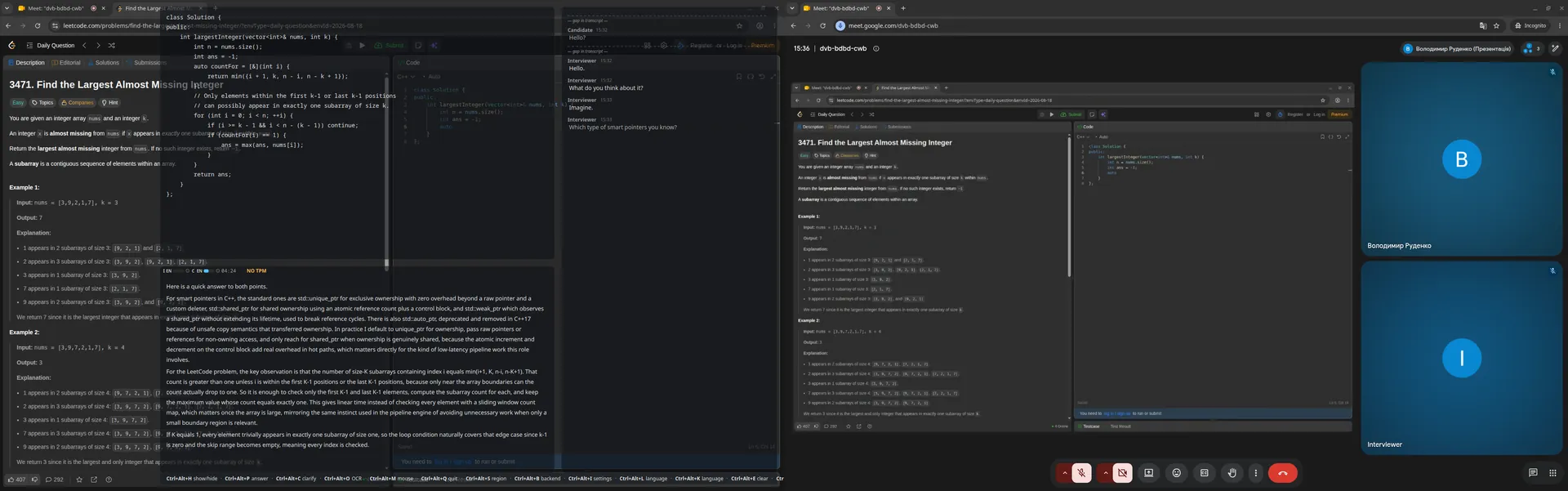
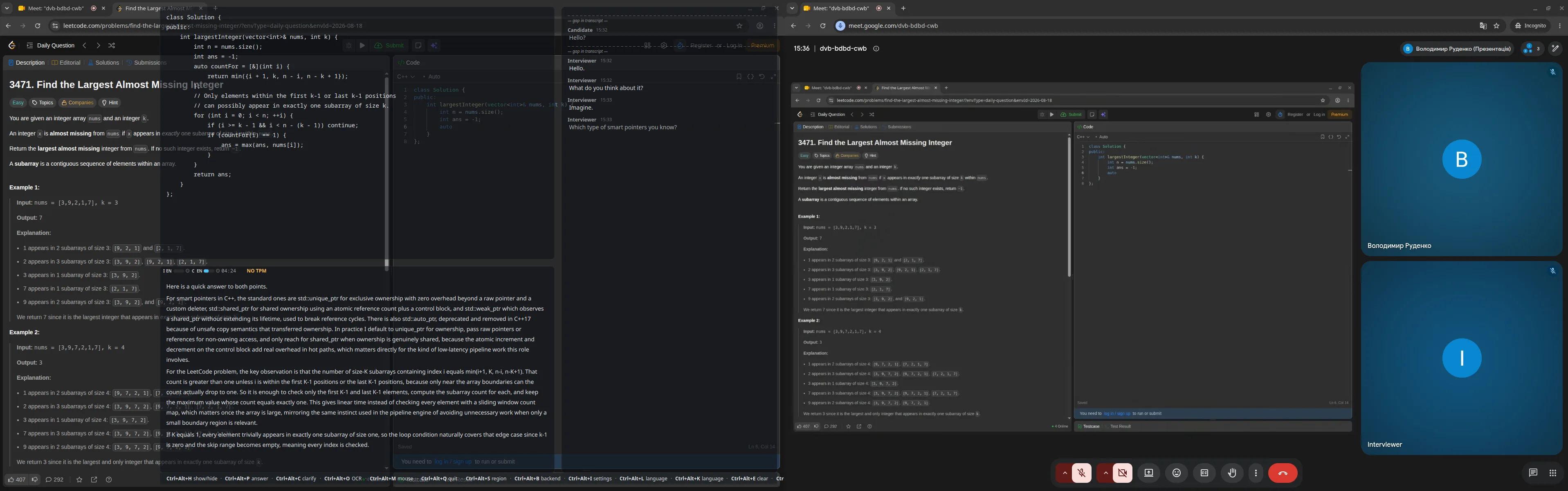
consigliere listens to the interviewer, reads the task off your screen and drafts an answer — in an ordinary, see-through window on your Linux desktop.
Speech and screen text are recognised on your machine. Answers come from the LLM you connect.
Download for KubuntuTry 7 days free
kubuntu 26.04 · plasma 6.6 wayland · nvidia or cpu
Install the .deb package on Kubuntu 26.04. Install steps.
Press Buy or activate in the app. Your browser opens, you pick the trial or a licence, and the app collects the licence by itself. How activation works.
Press Start. The overlay shows the live transcript, the task it read and a drafted answer. Using it in an interview.
Both sides of the call are transcribed as they speak, on your GPU, in several languages.
One hotkey captures the part of the screen with the problem statement and turns it into text (OCR).
Transcript and task go to the LLM you configured; the answer streams into the overlay as it arrives.
What you say is checked too, so a likely mistake is flagged while you can still correct it.
By default speech recognition uses your NVIDIA GPU and OCR the CPU, with no audio uploaded; a cloud speech-to-text service is opt-in and sends audio only when you pick one. Screenshots leave your machine only as the pages of a multi-page task.
A translucent, click-through window: clicks go to the app underneath.
Once activated, the licence is checked on your machine. No account, no online licence checks.
One-off licences for one machine. No subscription, no auto-renewal, no lifetime tier. Purchases start from the app, so the licence is bound to the right machine without any copy-paste. Pay by card or crypto (Bitcoin / Lightning).
Free
€10 for 1 month One-time payment · no auto-renewal
€25 for 3 months One-time payment · no auto-renewal
€45 for 6 months One-time payment · no auto-renewal
Buttons open the guide: buying and activating happen from inside the app (Settings → Licence → Buy or activate). After you pay, your order page shows the status of your order.
consigliere 2.1.3 gives the free trial seven days of use instead of 30 minutes.
Surveys say 20–36% of candidates use AI live in interviews, detection platforms flag 35–48%. What the sources measure, by country, and where hiring is heading.
One .deb package for Kubuntu 26.04 (amd64). Start with the 7-day trial; no card needed.